
Our Latest Articles

Contractor Website Design: Turn Visitors Into Calls and Leads
Contractor Website Design: Turn Visitors Into Calls and Leads
Your contractor website should bring in calls, not just traffic. If people visit your site but do not contact you, your design is not doing its job.

Contractor website design converts visitors into calls when you make it easy to trust you, understand your services, and contact you in seconds. Clear headlines, strong proof of work, simple navigation, and bold call buttons drive action.
When your site removes confusion and works well on mobile, more visitors pick up the phone.
Many contractor websites convert only a small percent of visitors into leads. You can improve that by focusing on clear service pages, visible contact options, fast load times, and real reviews placed near your calls to action.
Small design changes can lead to more booked jobs without spending more on ads.
Key Takeaways
Your contractor website must build trust and make calling you simple.
Clear structure, mobile design, and strong calls to action increase leads.
Focus on design that drives calls, not just traffic.
Write This Article Specifically For Contractors And Home Service Business Owners
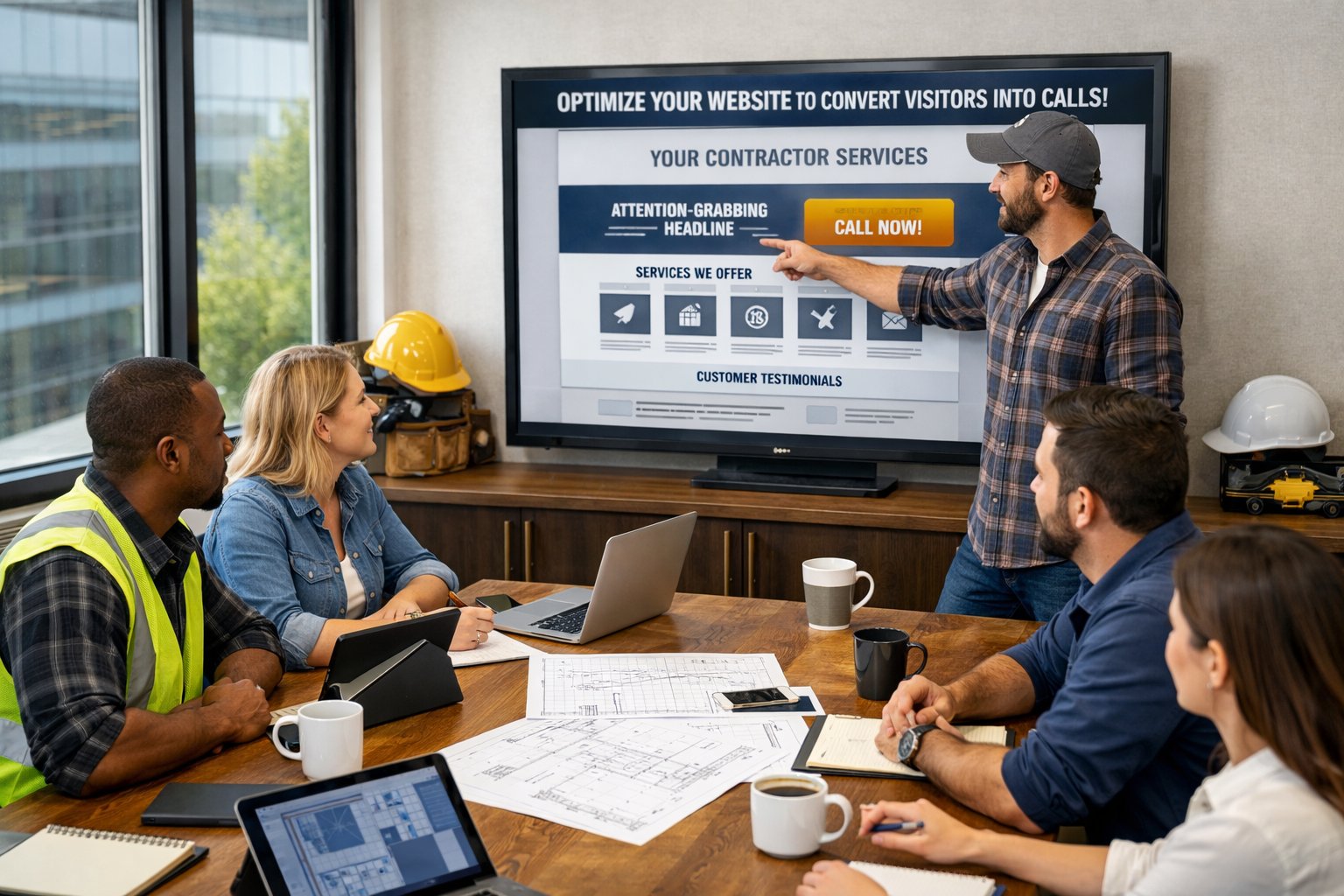
You run jobs, manage crews, and track costs. Your website should support that work by driving calls, not adding confusion or extra tasks.
Use Simple, Direct Language And Short Paragraphs
Write the way you speak to customers on the phone. Clear and direct language builds trust faster than clever headlines.
Avoid industry jargon. Most homeowners do not know technical terms for roofing systems, HVAC parts, or electrical panels.
Say “roof repair” instead of complex product names unless the detail helps them make a decision.
Keep paragraphs short. Many strong contractor websites use brief sections, bold headings, and bullet points so visitors can scan fast.
For example:
“We install and repair asphalt shingle roofs.”
“Licensed and insured in Texas.”
“Free estimates within 24 hours.”
Apply this style to your service area pages and location pages. State the city name clearly.
List the services you offer there. Add your phone number near the top.
Strong contractor website design makes it easy to read on a phone. A clean layout, clear buttons, and short blocks of text improve results, which many guides on contractor website must-have features also stress.
Focus On Practical Advice, Real-World Examples, And Clear Business Results
Speak to real business goals: more calls, more form fills, and better jobs.
Instead of saying you provide “high-quality craftsmanship,” show proof. Add before-and-after photos.
List the exact neighborhood. Include a short quote from the homeowner.
On your location pages, write something specific like:
“In Plano, we replace storm-damaged roofs and work with insurance adjusters.”
This type of detail helps both search engines and customers.
Many contractor web design experts highlight the value of pages built around actual services and cities, as shown in this guide to must-have pages on a contractor’s website.
Tie every page to a clear action:
Call for a free estimate
Request a quote online
Schedule a site visit
Use Clear H2 And H3 Subheadings, Bullet Points, And Actionable Takeaways

You guide visitors when you use clear H2 and H3 subheadings. Strong headings break your content into simple sections and help people scan your page fast.
Search engines also use headings to understand structure, as explained in this guide to H1, H2, and H3 heading tags.
Write headings that match what customers want. Use plain language like “Emergency Plumbing Services” or “Request a Free Roofing Estimate.”
Keep them short and direct.
Break up key details with bullet points. This keeps your message easy to read, especially on mobile devices with responsive design.
Highlight trust signals clearly:
Proof of insurance and license
Years in business
Verified reviews
Warranties and guarantees
Visible SSL certificate for secure forms
Organize technical features in a simple layout so visitors see value fast.
Feature Why It Matters Responsive design Makes your site easy to use on phones SSL certificate Protects customer data Website speed Reduces bounce and keeps users engaged Speed optimization Improves load time and search visibility
End sections with small action steps. Tell visitors exactly what to do.
Call now for a same-day quote
Schedule a free inspection
Fill out the secure contact form
Clear structure removes confusion. When visitors find answers fast, they feel confident calling you.
Include A Key Takeaways Section

Add a Key Takeaways section near the top of your page. Place it under your hero area or just below your main headline.
This section helps visitors scan fast and decide to act.
Use short bullet points. Keep each point clear and focused on action.
Your Key Takeaways might include:
Add a visible click-to-call button above the fold
Keep one clear primary CTA on each page
Use real photos and customer reviews for trust
Build pages for mobile first
Improve speed to support conversion optimization
Many contractor sites convert only 2–3% of visitors into leads, according to this guide on contractor website conversion optimization. A short takeaway list helps reduce that drop-off.
You can also format this section as a simple table:
Focus Area What You Should Do Calls Add a bold click-to-call button in the header Forms Keep fields short and easy to finish Trust Show reviews near your CTA Speed Compress images and limit heavy scripts
Use bold text to highlight actions like Call Now or Get Free Estimate. Keep sentences short.
Avoid long blocks of text.
End With A Strong But Non-Pushy Call To Action Encouraging Readers To Book A Demo With Epic Reach Media

Your website should bring you calls, not just clicks. If it does not, you are leaving work on the table.
A clear call to action guides visitors to the next step. As explained in this guide on how to write an effective CTA, strong CTAs use simple, direct language and tell people exactly what to expect.
You do not need hype. You need clarity.
When inviting someone to book a demo, focus on:
Clear next steps
Simple action words
A clear benefit
Low pressure language
Instead of “Act Now,” use language that feels natural and helpful.
This article on non pushy call to action examples shows how softer wording can still drive action.
Booking a demo with Epic Reach Media gives you a clear look at what is working on your site and what is not. You see practical design changes that can help turn more visitors into real calls.
If you want your contractor website to bring in more leads, schedule a demo with Epic Reach Media. You will walk away with clear next steps and a better plan for growth.
Frequently Asked Questions
A contractor website should guide visitors to call or request a quote with clear buttons, fast load speed, and visible proof of real work.
You also need tracking in place so your site works as a simple lead generation system, not just an online brochure.
What elements are essential for a high-converting contractor website?
You need clear call-to-action buttons, a visible phone number, and a short quote form on every key page. Place “Call Now” and “Get Free Estimate” near the top of the page so visitors see them right away.
Add real project photos, short review snippets, and clear service areas. A focused page structure also helps.
The guide on Contractor Website Design FAQs explains how contractors can build sites that turn visits into booked calls.
Keep your navigation simple. Most contractors need Home, Services, Service Area, Reviews, and Contact.
Each service should have its own page. That improves local search visibility and makes it easier for visitors to take action.
How can call-to-action (CTA) placement on a website influence lead generation?
CTA placement directly affects how many people contact you. If visitors must scroll or search for your phone number, many will leave.
Place your primary CTA above the fold on mobile. Add a sticky call button so it stays visible as people scroll.
Use one main CTA color and one main phrase across your site. Consistency reduces confusion and increases clicks.
The article on website design strategy for contractors that gets more calls shows how mobile friction and weak CTAs reduce conversions.
In what ways do testimonials and reviews impact the credibility and conversion rates of a contractor website?
Reviews reduce risk in the visitor’s mind. When people see recent, detailed feedback, they feel more confident calling you.
Place review snippets near your CTAs, not just on a separate page. Add star ratings near your main call button when possible.
Show real names, cities, and services completed. This makes feedback more believable.
The guide on contractor website conversion optimization notes that most contractor sites convert only a small percentage of visitors. Strong trust signals help raise that number.
Which website design practices are most effective for retaining visitor engagement and interest?
Speed and clarity matter most. Pages should load in about two seconds on mobile, with compressed images and limited heavy animations.
Use short paragraphs, clear headings, and real photos. Avoid cluttered layouts and long walls of text.
Make sure every page answers basic questions: what you do, where you work, what it costs, and how to contact you.
The overview in The Complete Contractor Website Design Guide outlines common mistakes that hurt conversions, such as slow pages and unclear messaging.
How does mobile responsiveness affect the rate at which website visitors contact contractors?
Most visitors find you on a phone. If your site is hard to tap, slow to load, or hard to read, they leave.
Mobile responsiveness means buttons are large enough to tap, text is easy to read, and forms are simple to complete. Your phone number should open the dialer with one tap.
A responsive layout also prevents layout shifts and broken menus. That keeps visitors focused on contacting you instead of fighting the design.
What strategies can be implemented to track and improve conversion rates from visitor to caller on a contractor's website?
You need basic tracking from day one. Set up call tracking, form submission tracking, and conversion goals in your analytics tool.
Track which pages produce calls and which services bring the most leads.
Review your data monthly. Improve pages with high traffic but low conversions by adjusting CTAs, adding reviews, or simplifying forms.
The article on how smart contractor website design turns visitors into clients explains how design and tracking work together to improve lead flow.


Expanding Your Reach. Elevating Your Brand.
Quick Links
Contact Us
Legal
© Epic Reach Media Group LLC 2026 All Rights Reserved.